
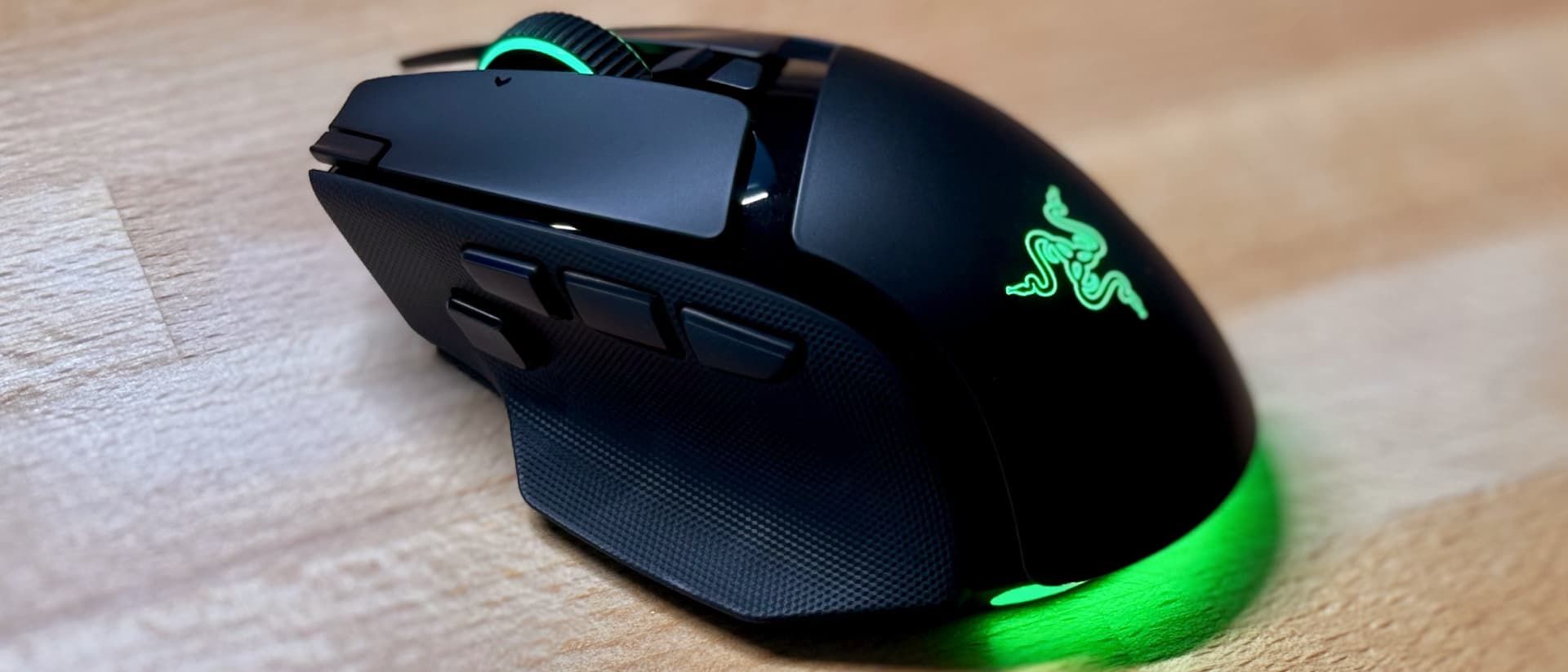
Razer Basilisk V4 Pro two-minute review
One of the first gaming mice I ever used was a Razer Basilisk, and I enjoyed it so much I wore the grippy rubber sides down until they were completely smooth. I’ve moved over to much more lightweight pointers in the years since, but with Razer launching the Basilisk V4 Pro, has the company done enough to tempt me back and resurrect that fond old love affair?
Spoiler alert: not completely. Because while the Basilisk V4 Pro is an excellent upgrade over its predecessor, it also comes with a few drawbacks that prevent it from being a total must-buy. It’s a great gaming mouse and might be ideal in the right (large) hands, but don’t go into this expecting perfection.
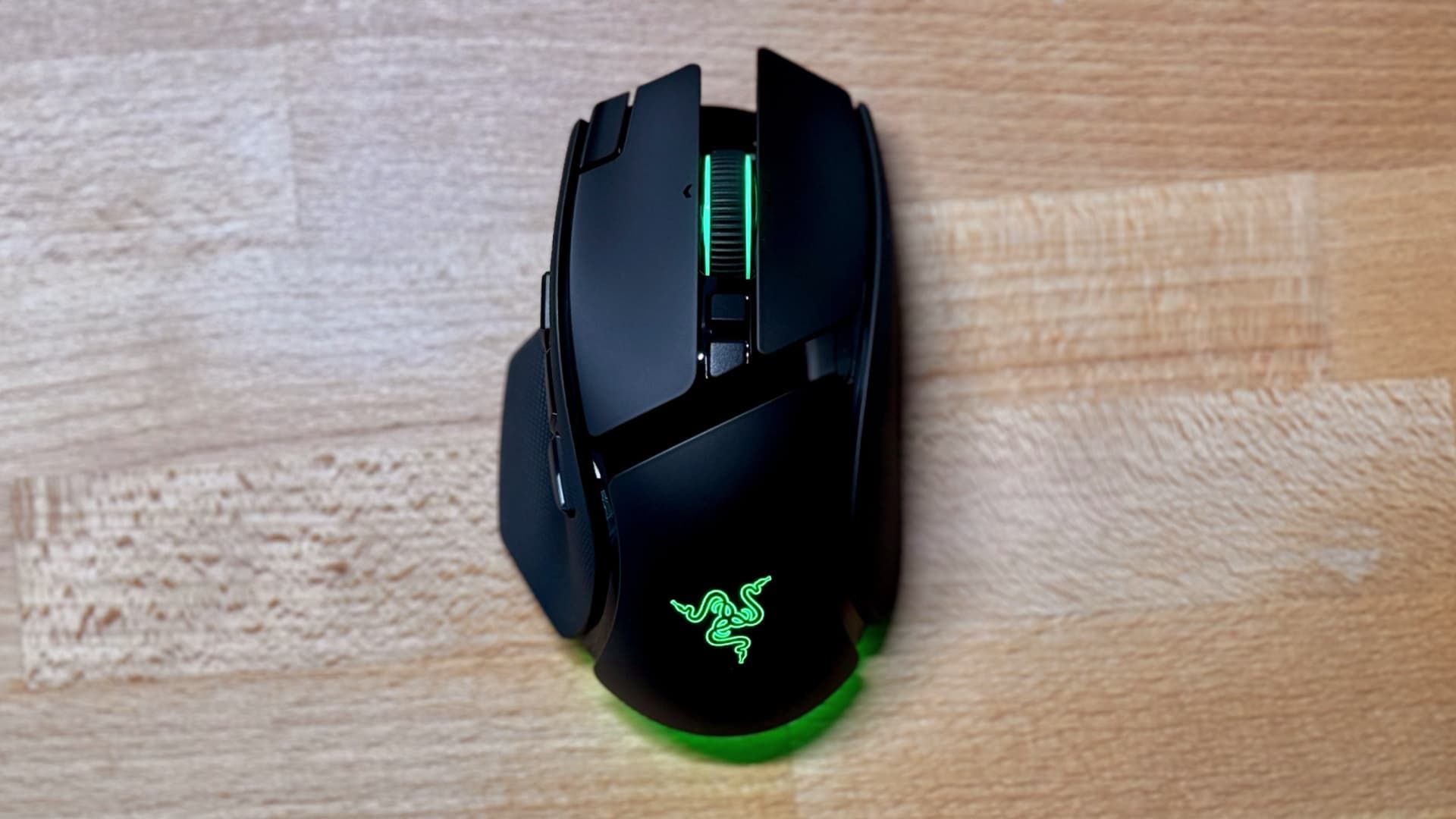
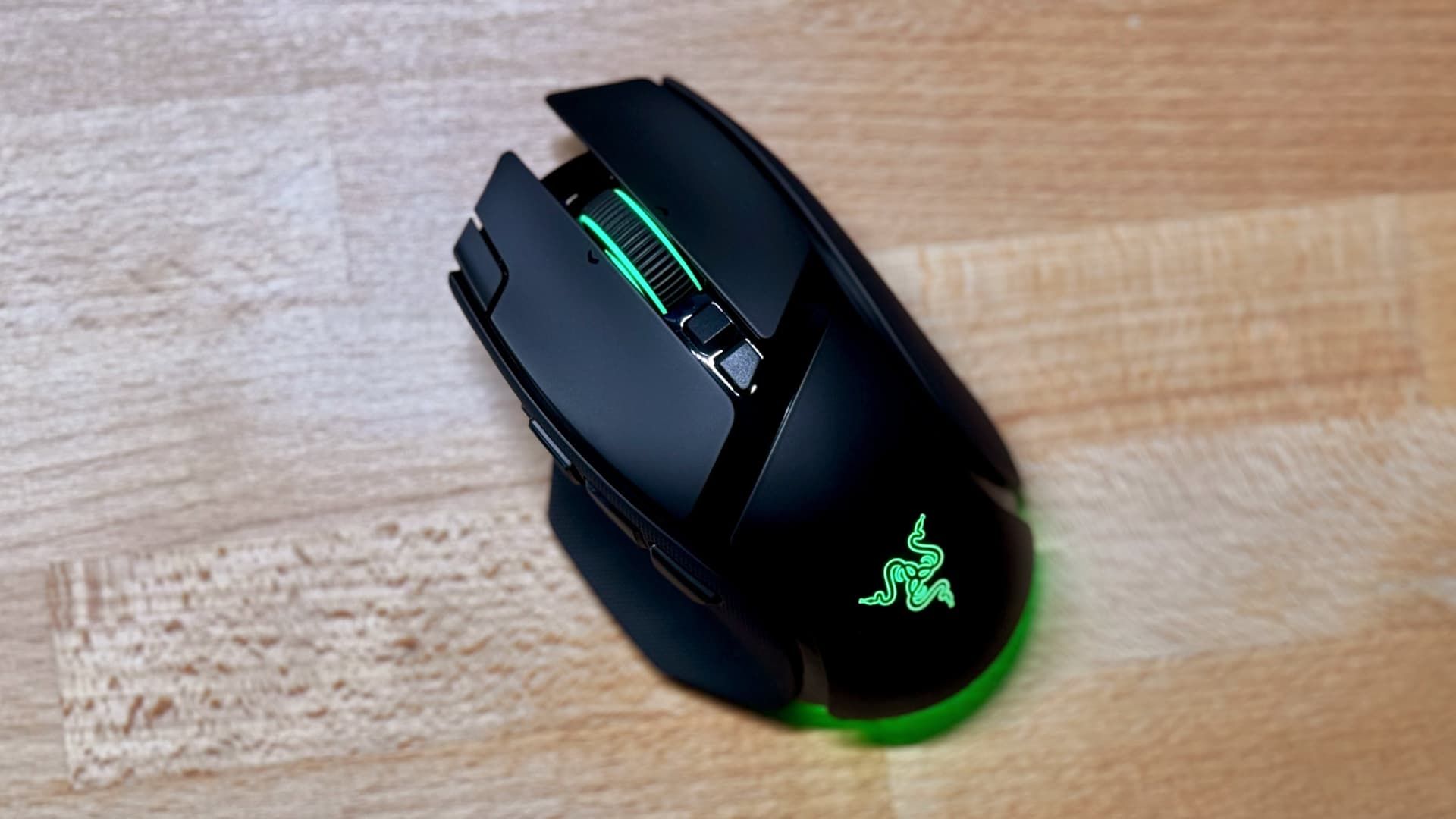
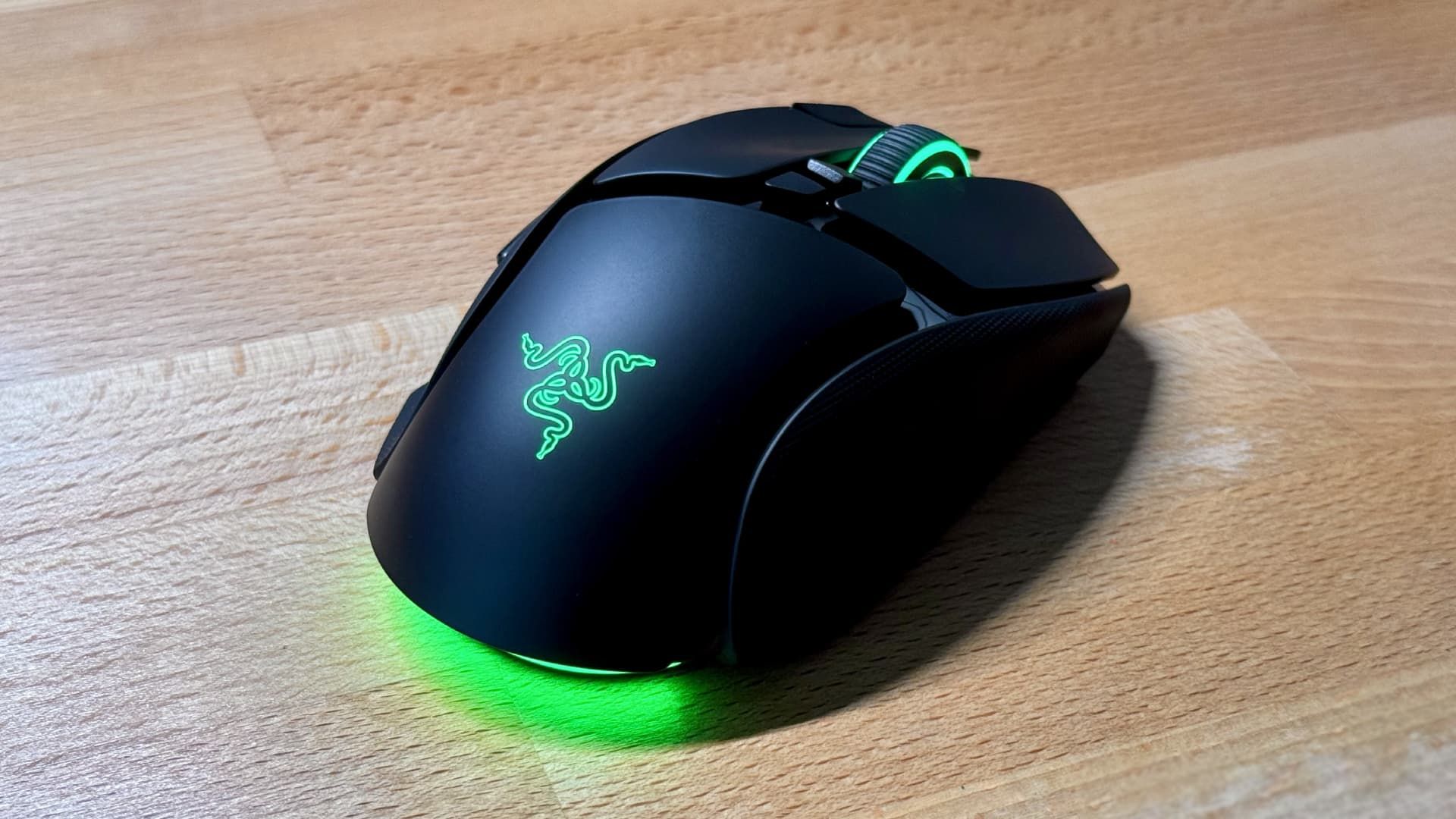
Let’s start with the positives. Razer has kept the Basilisk’s familiar ergonomic form factor, which is best suited to palm grip users, and its comfortable sculpted shape fits snugly into your hand. The build quality is also good, with solid plastics throughout and grippy textured finishes on the sides. And while it’s still a fairly hefty 100g, that’s still 10% lighter than the 112g Basilisk V3 Pro.
Battery life has increased to 200 hours in 2.4GHz mode at a 1,000Hz polling rate, or 275 hours on Bluetooth LE — up from 140 hours and 210 hours on the Basilisk V3 Pro. Note that that’s with the RGB lighting disabled. My review unit arrived with 66% battery, and in my testing (using it in 2.4GHz mode with a 1,000Hz polling rate and the RGB switched on), that dropped to 0% after 45 hours, so you can probably expect just under 70 hours on a full charge when using these settings. That’s a sizeable drop on 200 hours, but you’ll get much more juice if you dim the RGB lights.
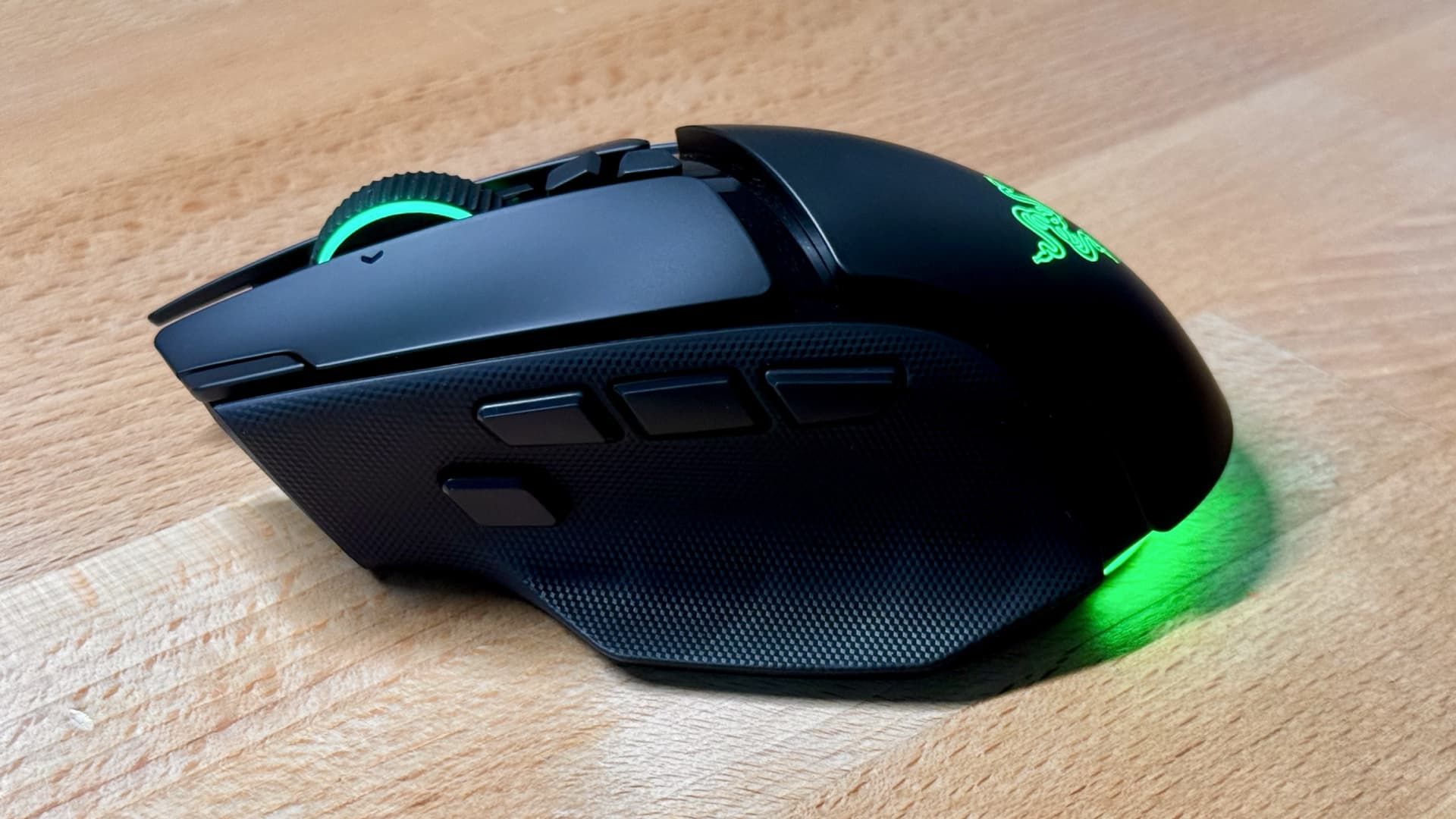
Compared to the Basilisk V4 Pro’s predecessor, Razer has outfitted the latest version with a couple of extra buttons: one on the top-left corner of the left click and another next to the side buttons. That means you’ve now got 14 customizable controls on this device, making it a sort of halfway solution between a regular mouse and the button-crazy Razer Naga V3 Pro.
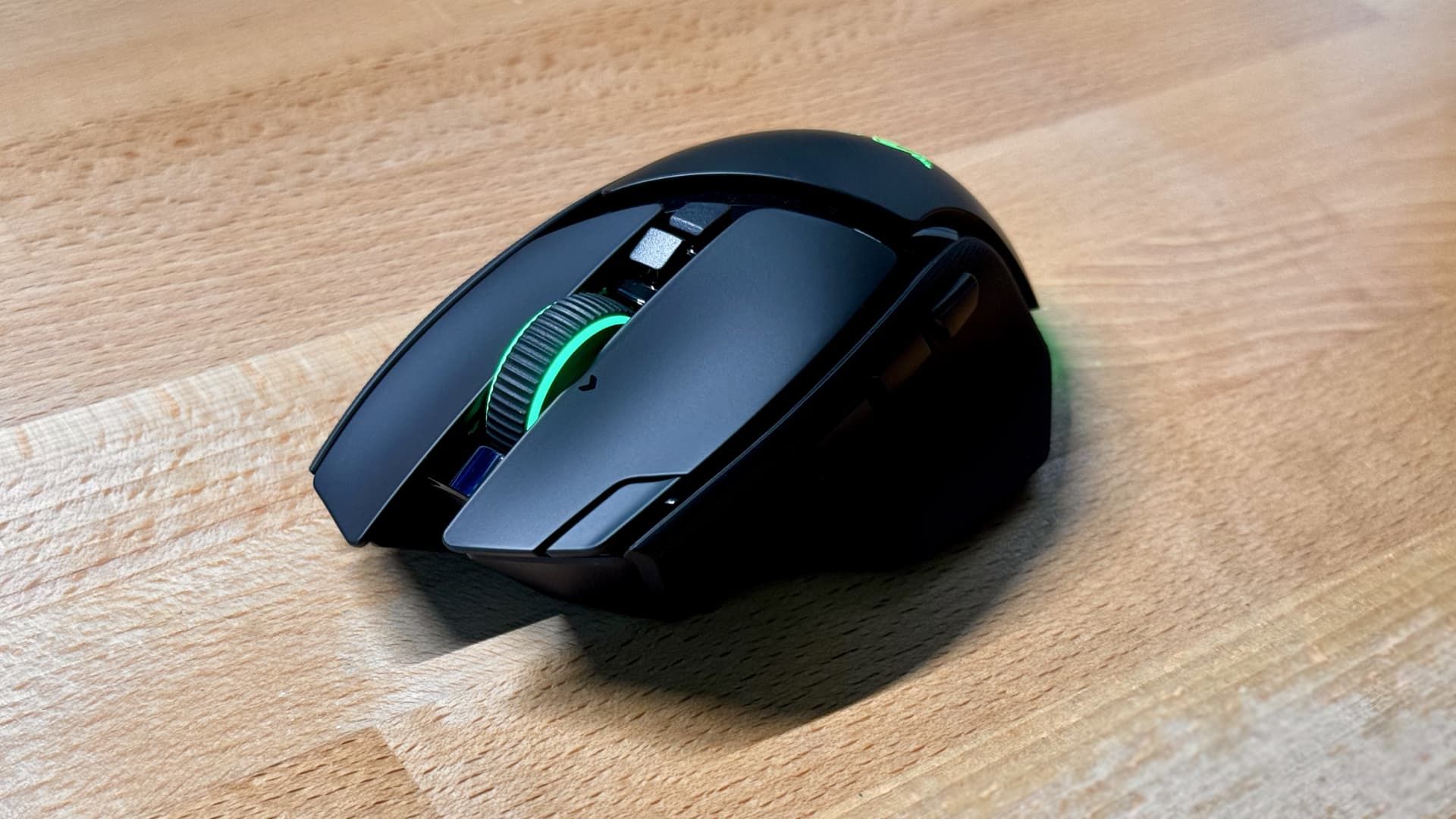
One of those buttons — the additional on one the side — could be assigned to Razer’s “Perfect 180” feature, the company suggested. This instantly spins your in-game character around 180 degrees, and if you think that sounds like cheating, you might have a point — even Razer admitted to us that they thought it could get banned in competitive games. Still, until that happens…
Razer also told us it had made the left and right click buttons sound less “ticky,” and they do have a satisfyingly soft and quiet actuation, one that’s a little less piercing to the ears than those on the Viper V4 Pro. They’re not silent, but they’re pleasing in use.
Sandwiched between those buttons is Razer’s HyperSpeed scroll wheel that, while not strictly a gaming feature, might be one of the Basilisk V4 Pro’s best aspects. You can set it to spin freely or ratchet (with two strength options) in Razer’s Synapse app, but its real party trick is its Smart-Reel feature. If you’ve set it to ratchet, a quick spin of the wheel automatically flips it into free-spin mode; put the brakes on and it moves back to ratcheting. It’s a great way to rapidly move through documents and spreadsheets without having to manually change modes.
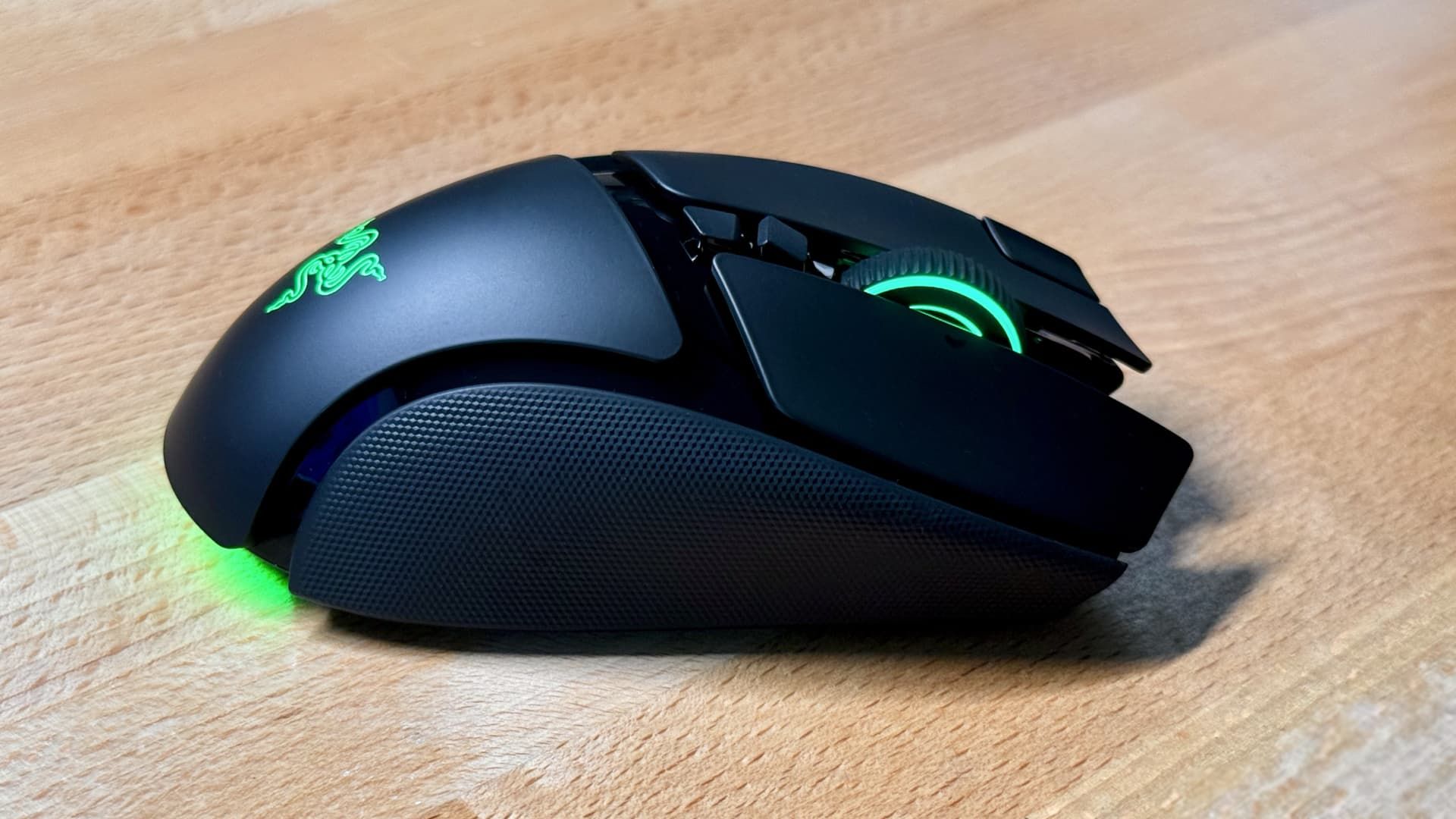
But while I liked the HyperScroll wheel, I didn’t love it. Every time it switches modes (from free spinning to ratcheting, say), there’s a loud and slightly disconcerting crunching sound that starts to grate after a while.
Pushing it in to click the scroll wheel also feels very soft and mushy — it’s imprecise compared with Razer’s own alternatives like the Viper V4 Pro, which is much crisper to click. It’s a welcome feature on the mouse, but it’s clearly inferior to the MagSpeed wheel you’ll find on the Logitech MX Master 4.
This was something I found time and again with the Basilisk V4 Pro: I’d often be pleased with one feature, only to observe a downside to it after I’d used it a little more. I was happy to see an extra side button that I could program to my needs, for instance, but then started to notice it getting in the way and messing up my two-side-button muscle memory.
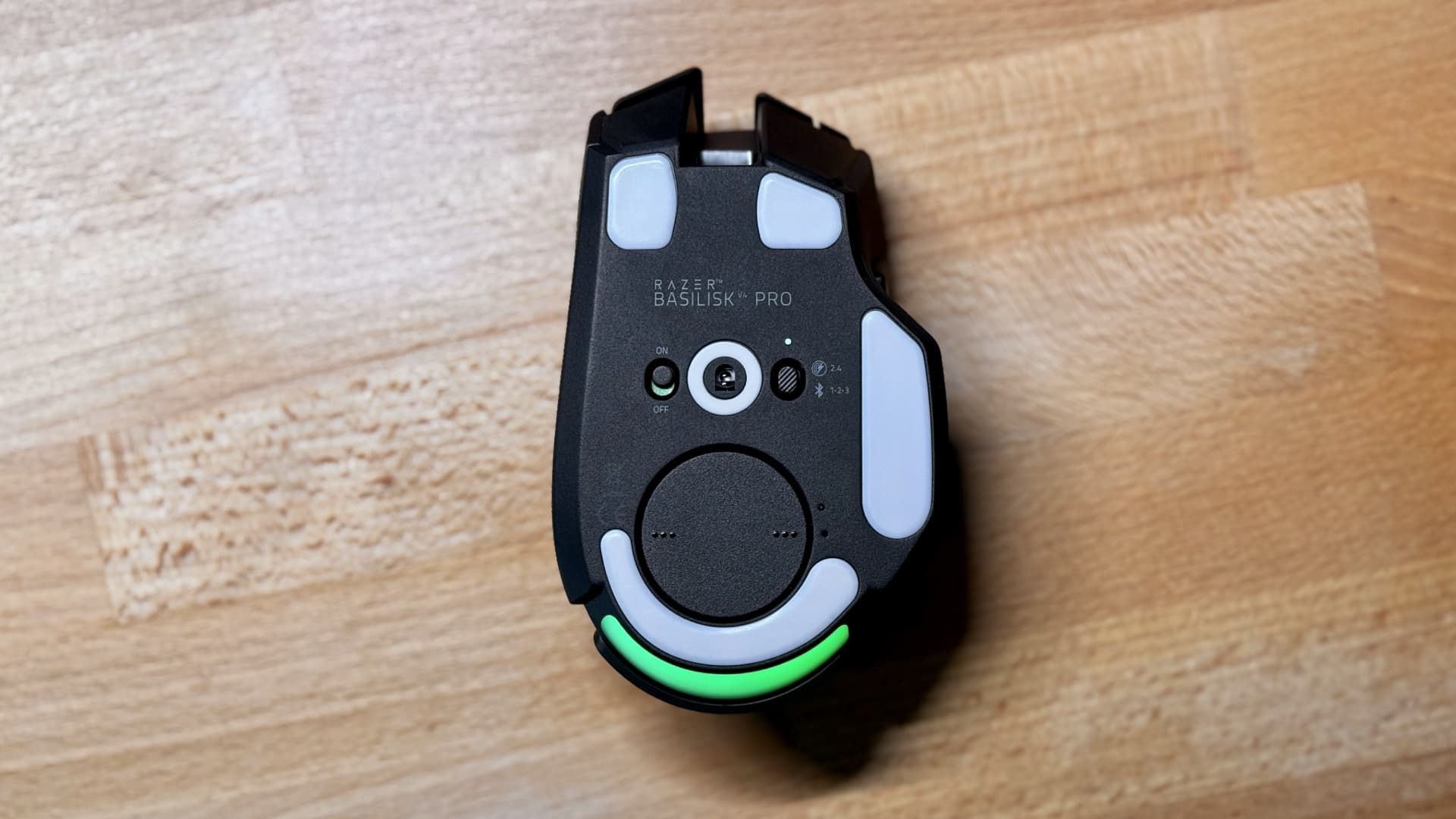
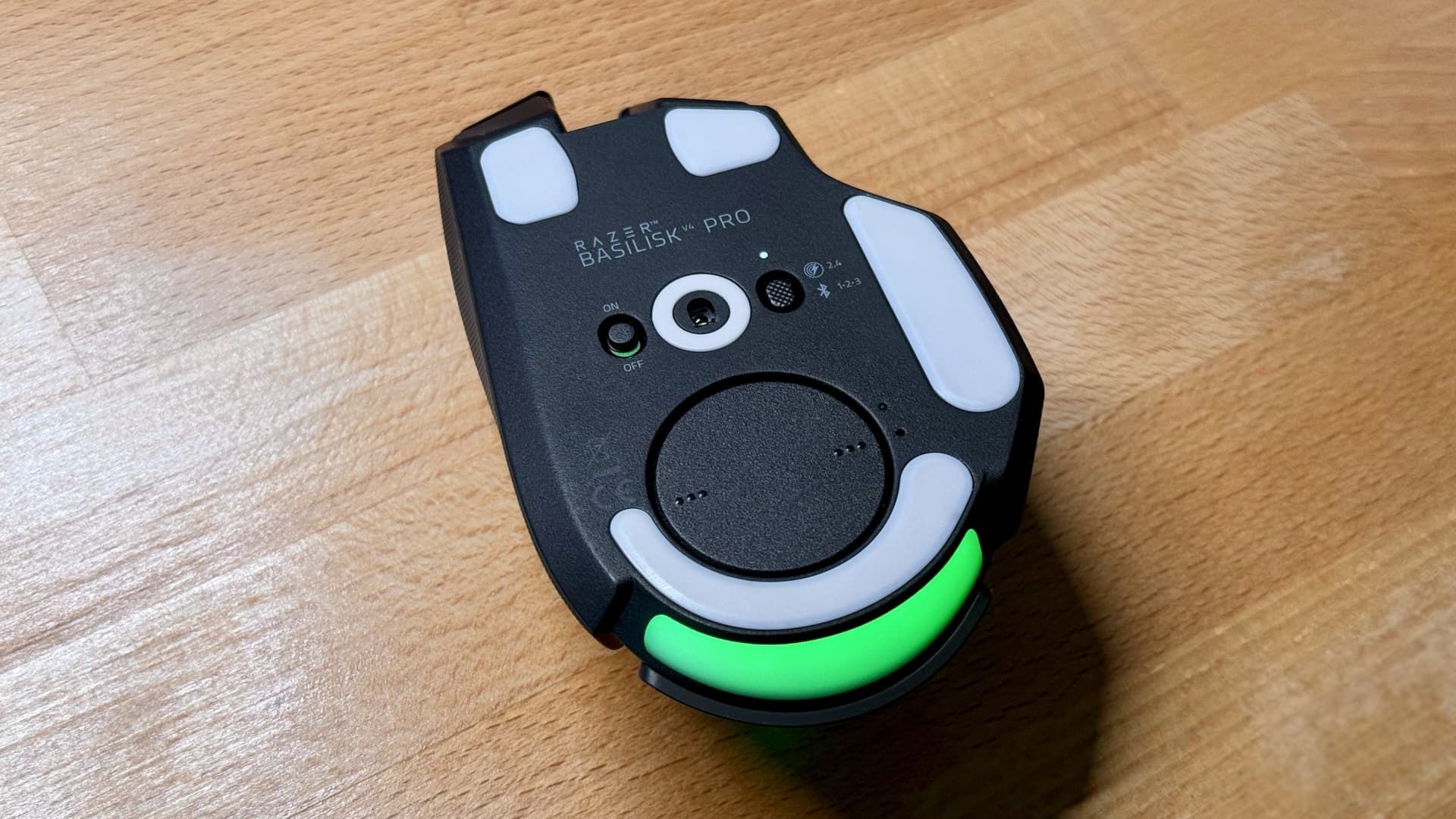
Or take the RGB lighting as another example: it looks lovely (especially on the Spectrum Cycling setting), but considering you never look at the mouse when using it, and your hand covers it up anyway, it felt a little pointless. Perhaps Razer could have done away with it and eked more battery life out of the Basilisk.
Ultimately, the Basilisk V4 Pro hasn’t converted me back to its temptingly sculpted form factor. It offers a capable combination of features, buttons and comfort, and for many gamers — especially those with larger hands — it’ll be an attractive option. It’s still one of the best gaming mice around, despite its drawbacks.
But for every two steps forward, there’s one step back that tempers its progress, whether that’s the imperfect HyperScroll wheel, the hard-to-reach buttons for all but palm grip users or the questionable, battery-draining RGB. I went into this looking to rekindle my love for an old flame, but in the end, I found myself stuck in the Basilisk’s friend zone.
Razer Basilisk V4 Pro: Price & release date
- Available to buy now
- Priced at $169.99 / £169.99 / $289.95 AUD
The Razer Basilisk V4 Pro is priced at $169.99 / £169.99 / $289.95 AUD and is available now from Razer’s website and third-party retailers. Its price has crept up by $10 / £10 / $10 AUD versus the Basilisk V3 Pro 35K.
Razer Basilisk V4 Pro review: Specs
Connectivity | Razer HyperSpeed Wireless Gen-2 (2.4GHz), Bluetooth 6.2, wired (USB-A to USB-C) |
Battery life | Up to 200 hours (2.4GHz), up to 275 hours (Bluetooth LE) |
Sensor | Razer Focus Pro 50K Optical Sensor Gen-3 |
Polling rate | Up to 8,000Hz (wireless and wired) |
Maximum sensitivity (DPI) | 50,000 |
Programmable buttons | 14 |
Dimensions | 127.5mm x 75.8mm x 42.7mm |
Weight | 100g (3.53oz) |
Should I buy the Razer Basilisk V4 Pro?
Attribute | Notes | Score |
|---|---|---|
Features | 14 customizable buttons, the HyperScroll wheel and some interesting software features | 5/5 |
Performance | A great performer that’s stymied by a few notable stumbles, like the scroll wheel’s squishiness and the battery-draining RGB | 4/5 |
Design | Great build quality and a comfortable design, but it might not be best for smaller hands | 4/5 |
Value | Very expensive, but you get plenty for your cash | 4/5 |
Buy it if…
You want a gaming all-rounder
With plenty of buttons and a comfy ergonomic shape, the Basilisk V4 Pro excels in many different areas.View Deal
You want the HyperScroll wheel
Sure, it’s not perfect, but Razer’s HyperScroll wheel is still a welcome addition that elevates the mouse, especially when it comes to productivity and everyday tasks.View Deal
Battery life is important to you
With 200 hours of juice — or 275 hours on Bluetooth LE — this mouse just keeps going and going and going.View Deal
Don’t buy it if…
You prefer lightweight mice
Razer has cut the Basilisk’s weight by 10% compared to its predecessor, but it’s still far from what we’d call lightweight.View Deal
You’re a fingertip user or have small hands
Some of the new buttons on the Basilisk V4 Pro are hard to reach for certain grips and hand sizes.View Deal
You’re pinching the pennies
$169.99 / £169.99 / $289.95 AUD is an awful lot to pay for a mouse, and there are many capable options that will cost you less than half of Razer’s asking price.View Deal
Also consider
Logitech G502 X Plus
A superb gaming mouse that looks remarkably similar to the Basilisk V4 Pro, complete with ergonomic shape and a plethora of buttons, the Logitech G502 X Plus is a stunning addition to Logitech’s popular lineup.
Corsair Nightsword V2 Wireless
A more affordable option if you value ergonomics and customization, Corsair’s Nightsword V2 Wireless boasts long battery life and a high-quality sensor that makes it ideal for fast-paced gaming sessions.
Read our full Corsair Nightsword V2 Wireless reviewView Deal
How I tested the Razer Basilisk V4 Pro
- I spent a week testing the Razer Basilisk V4 Pro in various games to see how it managed in different genres
- I also explored its customization options in the Razer Synapse app to see how well it could be adapted to different needs
I tested the Razer Basilisk V4 Pro over the course of a week. I used it for everyday tasks like browsing the web and writing this review, and tried it in a range of different games, including Call of Duty, Football Manager 27 and Stardew Valley. Additionally, I explored its customization options in the Razer Synapse app to see how easy it was to adjust its settings.
- Read TechRadar’s reviews guarantee
- First reviewed: November 2026


